
In this article
AI Inbox reaches US work accounts this month
Your buyer may open Gmail this week to a short list of what to do today. Will your cold email make that list? Probably not, and that's fine.
Google started rolling out AI Inbox to paid Workspace accounts on October 12, 2026. That first wave was for companies that take updates early, and the rest start on October 26.
Each wave can take up to 15 days to appear. Google says Starter and education plans follow in the coming months.
For now it works only in the US, with the language set to English (US). Company administrators get no setting to control it. [1]
Google first announced AI Inbox on January 8, 2026, for a group of trusted testers. In the same post, it said 3 billion users rely on Gmail. [2]
Google's help page still describes the feature as a beta. The first to-dos and topics can take up to 7 days to appear. [3]
If you sell to US companies on Google, some buyers may read your next email with this view open.
It ranks to-dos from the Primary tab only
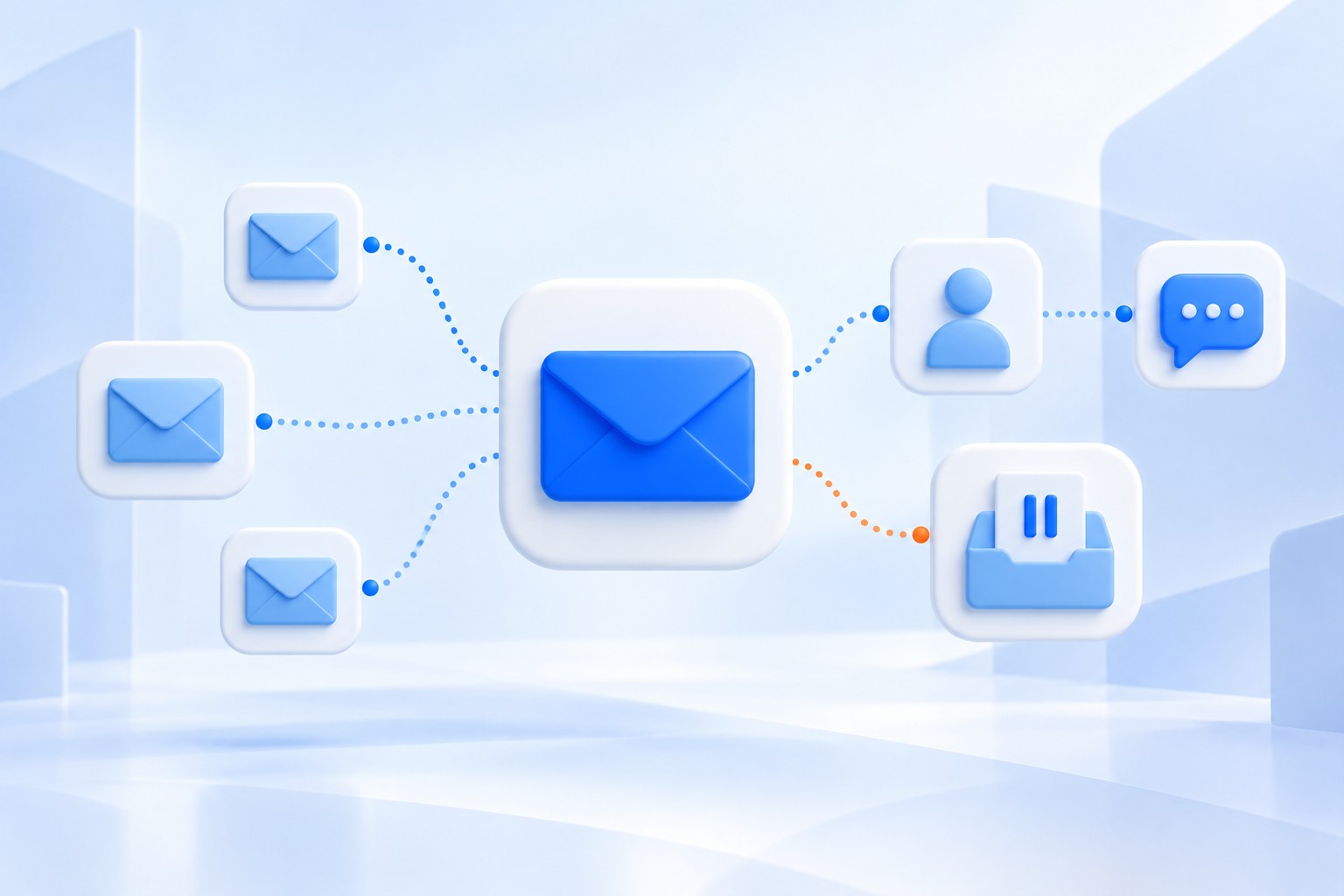
AI Inbox has two parts, and the first, Suggested to-dos, lists high-priority items that need action. It displays each task in bold.
Topics to catch up on gives a short summary of important updates spread across many threads.
It only reads the Primary tab, not Social or Promotions. It leaves out spam and mail the person archived, deleted, muted or snoozed. [3]
To decide who matters, Google looks for VIPs, using signals like people you email often and people in your contacts. It also uses relationships it can infer from the email itself. [2]
Here is our reading: a stranger's first email matches neither of the first two signals. Until the buyer writes back, you are probably not a VIP.
We consider that fair, since a stranger should not rank above the buyer's own team.
It does not block your email
AI Inbox is a view the person opens from the left panel. They can show or hide it in settings, and their normal inbox is still there. [3]
Google does say the view "filters out the clutter," but that filtering happens inside the view only. [2]
We found nothing on Google's own pages that says AI Inbox blocks cold email. Nothing says it takes mail out of the normal inbox either.
What changes is how much of your email people actually read in full, and Gmail is not alone in that.
With AI features turned on, the Mail app on a Mac shows a short summary under each unread email. Its Priority Messages view puts time-sensitive mail at the top. [4]
Put those together, and your buyer may first meet your email as one line a machine wrote, not your words.
Reaching the inbox at all is still a sending problem. Our check before sending covers that part, so we won't repeat it here.
Write so the summary keeps your point
That makes the first email matter even more than it did. In one large sending platform's 2026 benchmark, 58% of all replies came from a campaign's first step.
The follow-ups after it generated the other 42%. [5]
Buyers have also explained plainly why cold email fails. In one 2026 survey, 65% of decision makers said cold emails fail because they feel too sales-focused. 61% named lack of relevance. [6]
A one-line summary has no room for a warm-up. If your point sits in the fourth sentence, it may not survive the summary.
So build the email from parts a summary can't lose. Open with one fact about them that is dated and easy to verify.
Then name one problem you see in that fact, and close with one question they can answer in a line.
This is the rule Mach writes to: a first message opens on a dated fact, the buyer's own words first. A post of theirs counts only if it is from the last six months.
Mach would rather refuse than send a weak email. For one firm we work with, it refused 105 of 167 first messages over two days in October.
Some of those were mistakes by our own checker, since fixed. Each refusal kept its reason.
One made-up email, read as a single line
This example is invented to illustrate the idea. It is not a real email, and the summaries are our guess at the shape, not real output.
Email A opens with two lines about how fast the buyer's market is moving. It then lists four things the seller does and asks for 30 minutes next week.
A one-line summary of that email has little to summarize. It might read as a seller offering services and asking for a call.
Email B opens on a fact. On October 14, the bank posted that it is hiring two people to test its new loan system.
It names one problem that hiring often brings, then asks if it is on their list this quarter.
Its summary would still carry their news, the problem and the question.
| Part | Email A, warm-up first | Email B, fact first |
|---|---|---|
| First line | How fast their market is moving | On October 14 they posted that they are hiring two people to test their new loan system |
| Middle | Four things the seller does | One problem that kind of hiring often brings |
| Ask | 30 minutes next week | Is this on your list this quarter? |
| A one-line summary might say | A seller offers services and asks for a call | Their news, the problem and the question |
Email B is no cleverer than Email A. It puts the buyer's own news in the first line, where even a quick reader looks first.
The mistake to avoid is faking a to-do
It is tempting to game the new view instead. Put a deadline in the subject, write "action needed" and hope the AI lists you as a task.
Don't, because a made-up deadline is the pushy, sales-first copy that buyers named as their top complaint. [6]
In this view, it would sit in the list your buyer uses to plan their day.
Each item in AI Inbox also has a menu where the reader can rate it or report it. Your trick would sit a click or two away from a bad rating. [3]
A real to-do is different. If the buyer asked you for a price or a meeting date, answer that plainly in the first line.
Before your next send, read only the first two lines of your email. If they don't hold a fact about the buyer and a question, rewrite them.
Common questions
Will Gmail's AI Inbox block my cold emails?
No. Google describes a separate view that lists to-dos and topics. The normal inbox is still there. The view also leaves out spam, so reaching the inbox is still the first job.
How do I get my email into someone's AI Inbox?
You can't force it. Google says it spots VIPs from signals like people the buyer emails often and people in their contacts. A real reply to a useful first email is the honest way in.
Does this apply to buyers outside the US?
Not yet. Google says AI Inbox for work accounts is only in the US for now. The language must be set to English (US).
Sources and further reading
- Gmail's AI Inbox is rolling out to paid Workspace usersGoogleBack to text
- Gmail is entering the Gemini eraGoogleBack to text
- Manage to-dos & topics with AI InboxGoogleBack to text
- Use Apple Intelligence in Mail on MacAppleBack to text
- Cold Email Benchmark Report 2026: Reply Rates, Deliverability and TrendsInstantlyBack to text
- State of Email Outreach 2026HunterBack to text